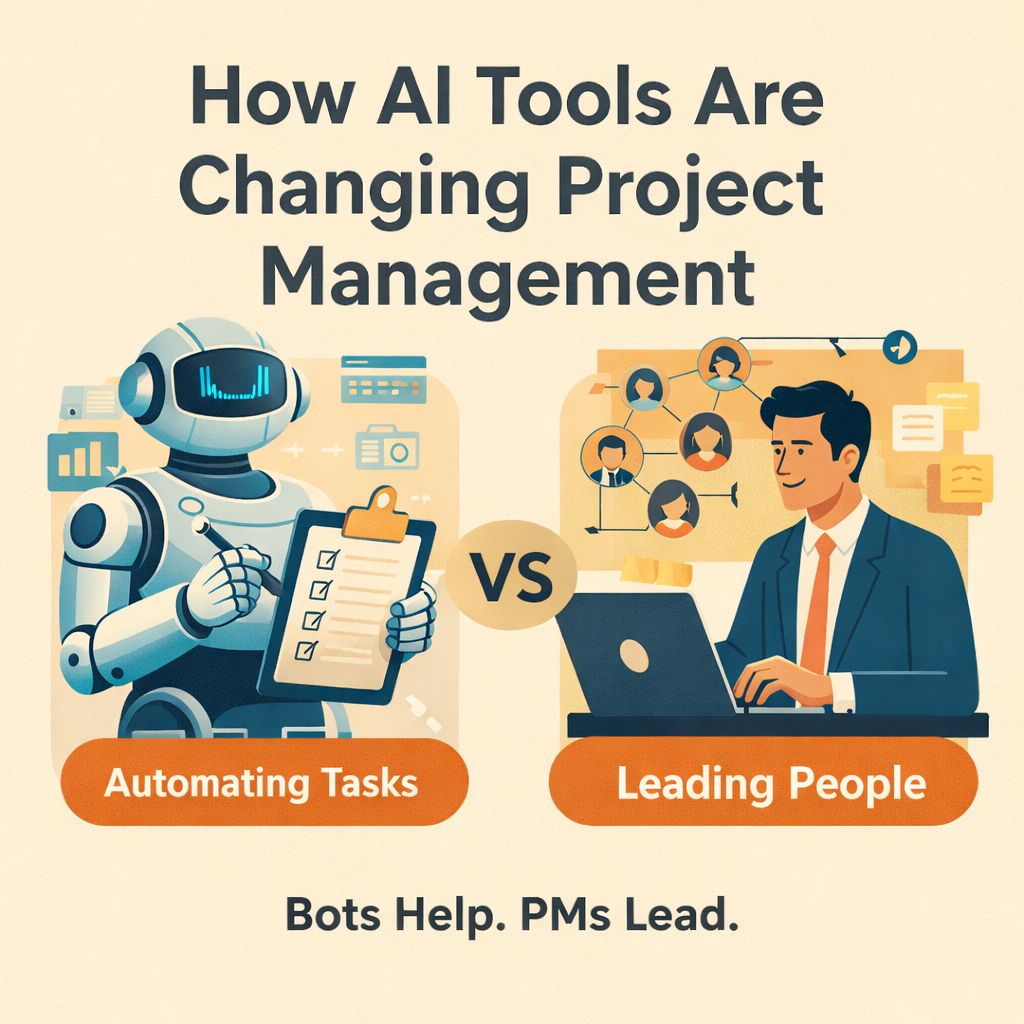
How AI Tools Are (and Aren’t) Changing Project Management
(Because automating busywork isn’t the same as managing a project.)
#1. AI Is Here, But Your Project Still Needs a Gantt Chart
AI is everywhere - in your inbox, your design tools, your calendar… and yes, now in your project management stack too.
But let’s clear the air: AI isn’t replacing project managers anytime soon. It’s replacing friction, not judgment.
If you’re a PM, the question isn’t “Will AI take my job?” It’s “How can I make AI take my busywork?”
This post dives into what AI tools are actually useful for in project management, what they can’t (and probably won’t) do, and how savvy PMs are integrating them to work smarter - not lazier.
#2. Let’s Get Real: What AI Is Actually Doing Right Now
Most of the real, useful AI in project management today is working in the background, streamlining repetitive tasks and surfacing patterns.
Here’s where it’s already paying off:
- Drafting status updates based on task progress and tool data
- Auto-generating task descriptions from tickets or backlog items
- Summarizing meetings and action items via transcription tools
- Flagging risks or delays based on historical patterns
- Automating PMO reports, reminders, or recurring updates
- Smart scheduling and basic resource leveling
TL;DR: AI is accelerating administrative efficiency, not replacing project accountability.
You still own the outcomes. The AI just helps with the sometimes over-encumbering paper trail.
#3. Where AI Isn’t Helping - Yet (and Maybe Never)
For all the buzz, there’s still a clear line between what AI can automate and where it falls short - often spectacularly.
Here’s what AI can’t do (yet, and maybe ever):
- Understand political risk. “Waiting on Bob” isn’t a delay AI can see.
- Make prioritization trade-offs when everything’s important.
- Navigate difficult stakeholders or manage cross-team tension.
- Define actual scope vs. hallucinated requirements from an overzealous bot.
- Replace human facilitation. Project dynamics still hinge on emotional intelligence.
If your job involves influence, negotiation, and nuance - you’re not going anywhere.
AI can process language. But it doesn’t read the room.
#4. - 5 AI Use Cases Worth Actually Trying
Let’s move past theory. Here are five AI use cases that are actually adding value for real PMs — with caveats.
1. AI-Generated Weekly Status Drafts
Pulls from Jira, Asana, Linear - summarizes what moved and what didn’t.
- Saves time
- Still needs your voice (and context)
2. Meeting Summarizers & Action Item Tracking
Tools like Otter, Fireflies, Fathom, or Notion AI
- Good for quick recaps
- Review carefully - attribution (“who owns what”) still gets fuzzy
3. Risk & Delay Prediction Models
Forecast, ClickUp AI, and others use pattern recognition to highlight delivery risk
- Good for early warning
- Not gospel - always verify with the team
4. Task Auto-Suggestion & Tagging
Auto-fills task fields, categorizes backlog items, predicts effort
- Speeds up grooming
- PM still owns prioritization logic
5. PMO Report Automation
Auto-generates standardized slides, charts, or summaries
- Saves hours per week
- Can lack nuance or context for exec audiences
#5. Red Flags: When AI Makes PM Worse
It’s not all upside. Some teams are leaning too hard on AI - and it’s starting to show.
Here’s where AI crosses the line:
- Blind trust in AI-generated priorities
- Status reports that say a lot, but mean nothing
- Delegating decisions to algorithms that don’t understand the project context
- Treating AI like the PM - instead of the assistant
* If your team starts managing to what the bot says - instead of what’s real - you’ve got a governance problem, not a tech stack problem.
AI should support human thinking - not replace it.
#6. How PMs Should Actually Be Using AI (Right Now)
Here’s the mindset shift: AI is not a replacement. It’s a force multiplier.
Use AI to:
- Automate the boring parts - reporting, status formatting, note-taking
- Accelerate insight, not replace it - surface patterns, flag delays
- Get time back - for strategic thinking, not admin load
- Enable clarity at scale, especially in async teams
The most effective PMs today aren’t AI-averse. They’re just AI-intentional.
#7. The PM of the Future: Part Human, Part System Designer
The future project manager isn’t just a task tracker - they’re a system curator.
You’ll spend less time filling out reports… and more time:
- Designing workflows that leverage AI but don’t depend on it blindly
- Shaping how your team communicates, documents, and aligns
- Leading humans - while delegating the paperwork to machines
The modern PM’s superpower isn’t automation. It’s discernment.
#8. Closing: AI Won’t Replace PMs - But PMs Who Use AI Will Replace Those Who Don’t
AI won’t make you obsolete. But it will make your old habits obsolete.
You can’t outsource leadership. But you can outsource status update formatting.
Just like when MS Project was first used commercially in 1984, it didn’t replace a project manager. It enhanced them.
The PMs who thrive in the next 3–5 years won’t be the ones fighting AI - they’ll be the ones using it wisely:
- Automate what you can
- Own what you must
- Lead like a human - not a machine


